A zombie that is still them
Face, hair and outfit come from your photo; a dog or cat keeps its breed, fur and markings. Only the details turn: grey skin, clouded eyes, torn clothes.
 Zombie AI Trend
THE ZOMBIE AI TREND, WITH YOUR PERSON OR YOUR PET
Do the zombie ai trend with two photos: you, and the one who turns, your partner, a friend, your dog or your cat. They come back as a zombie that still looks like them, you can’t pull the trigger, and the video melts into your warmest memories. Ready to post in minutes.
720p · 25 seconds · music included
Upload both photos to see the credit price.
By creating, you confirm you have permission to use both photos. Terms of Service
Your photos are stored for this job and sent to our video provider. Upload only people who agreed to appear, or your own pet.
REAL ZOMBIE AI TREND VIDEOS
Both videos below are real outputs of this generator from exactly these photos: one where a boyfriend turns, one where an orange cat turns. Sound on.
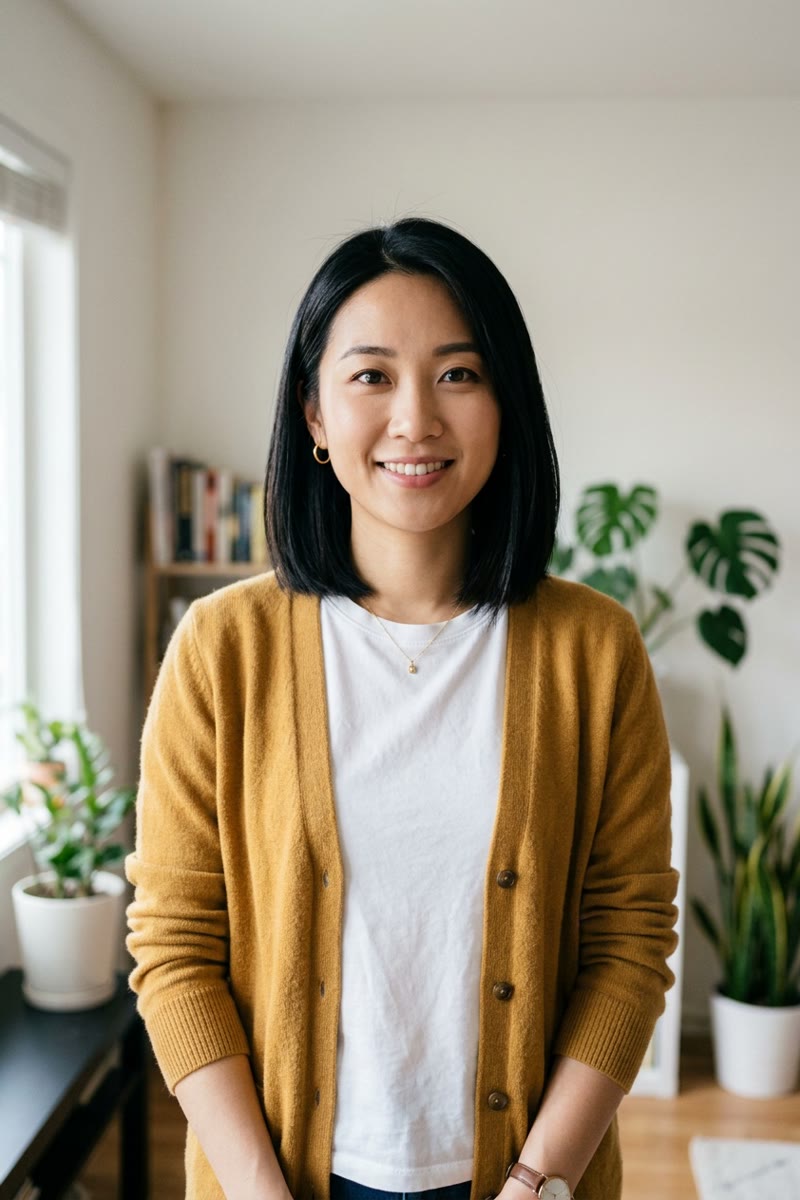
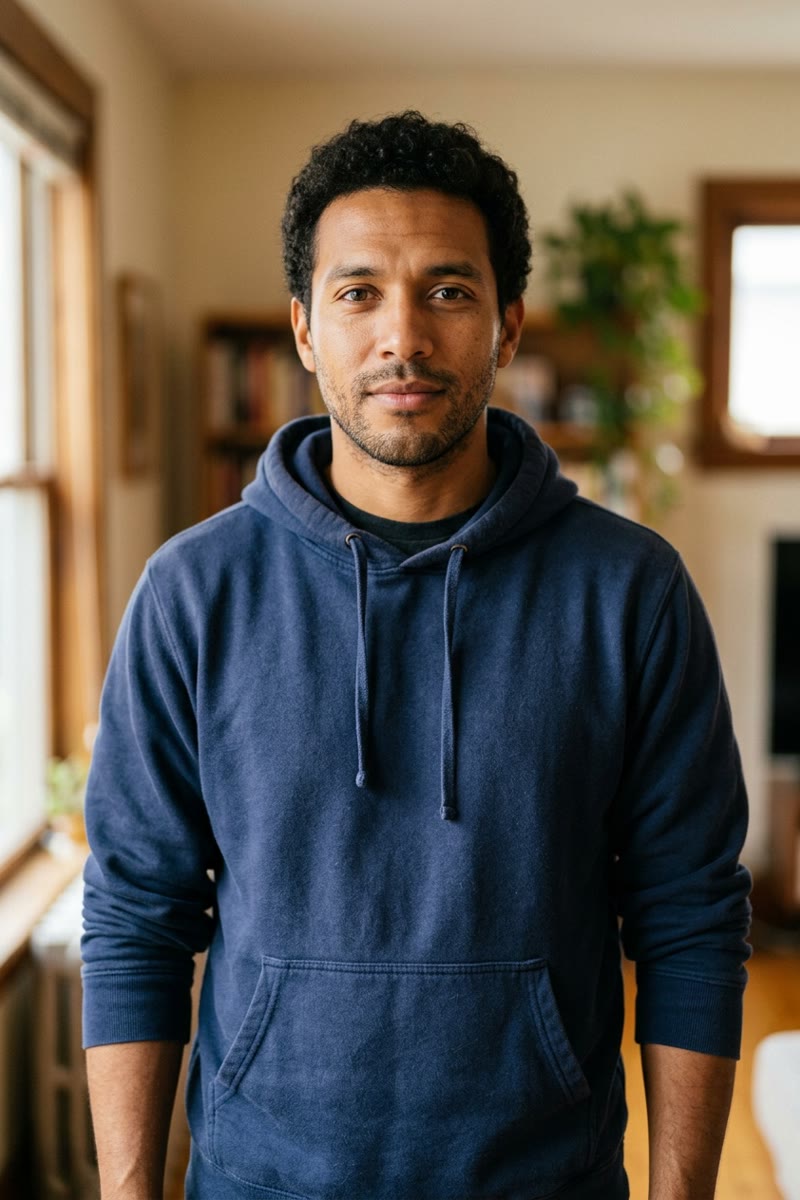
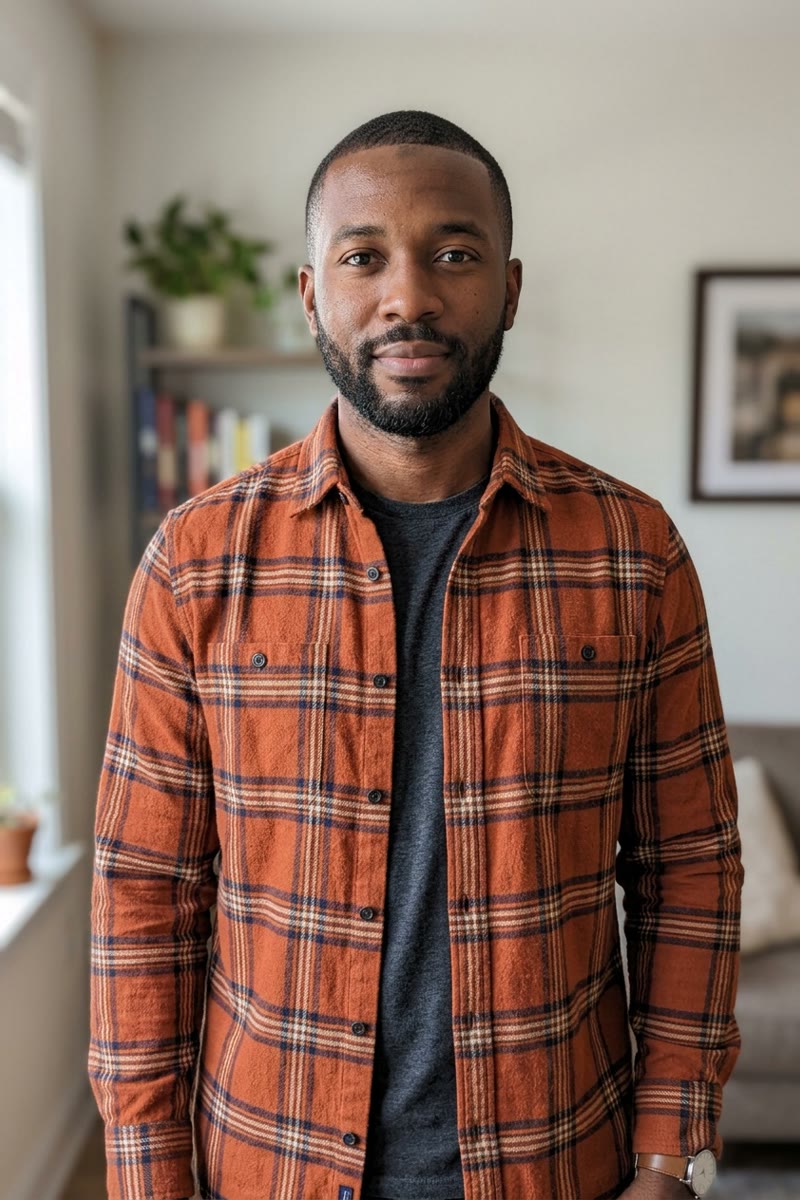
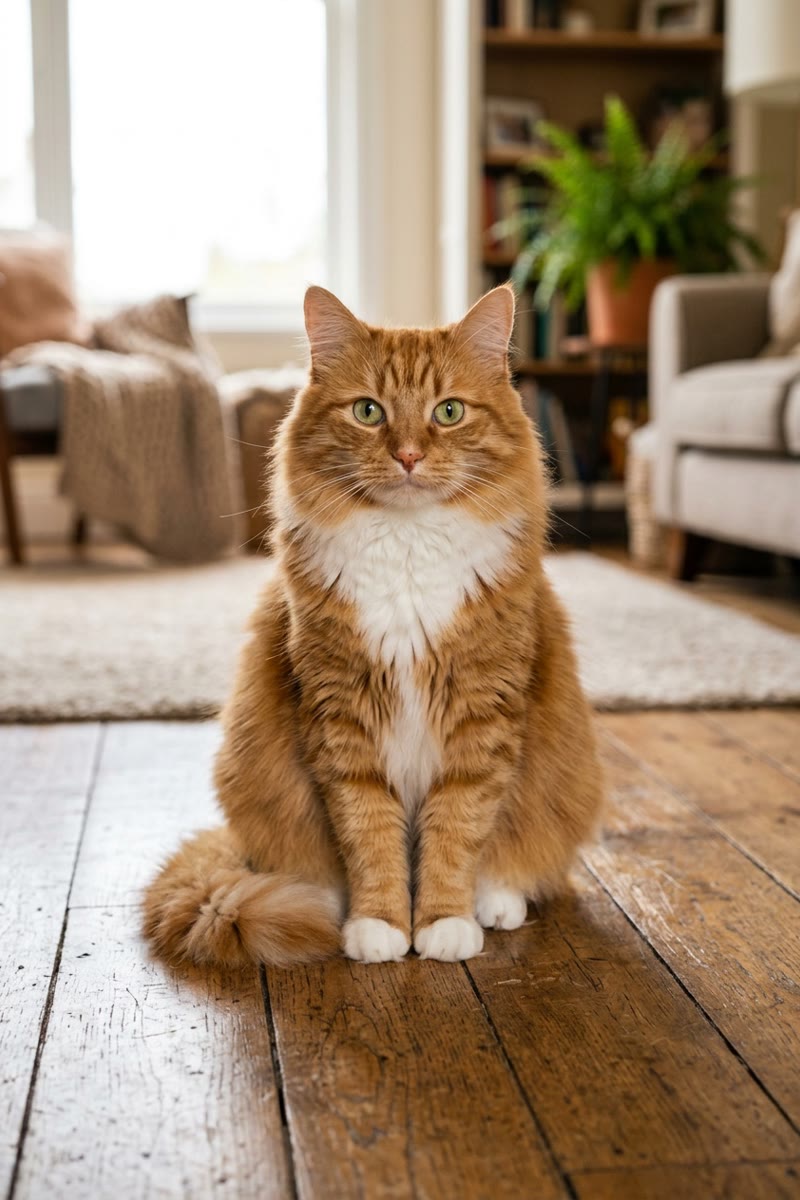
The input photos show AI-generated fictional people and a fictional cat. These are actual outputs; your result depends on your photos.
Try the zombie ai trend with your photosWHAT IS THE ZOMBIE AI TREND
Zombie AI Trend turns two photos into the zombie ai trend video: the one you love, a person or a pet, has turned; you raise a gun but cannot shoot; they rush into your arms and the scene dissolves into warm memories of the two of you. One 25-second MP4 with music, ready for TikTok, Reels and Shorts.
The zombie ai trend spread because it starts like a horror clip and ends like a love letter. The zombie is unmistakably your boyfriend, your best friend, your mum, your dog or your cat, and the jump from a grey ruin to golden light is what makes people watch it twice. Zombie AI Trend keeps that likeness and that turn, with the music changing from dread to warmth at the same moment.
INSIDE A ZOMBIE AI TREND VIDEO
You never write a prompt or open an editor. Every zombie ai trend video follows this arc around your two photos.
Close on you: eyes shut, tears, both hands around a gun you do not want to use.
Across a ruined kitchen stands your person or your pet: same face, same clothes or fur, grey skin and clouded eyes.
You sob, drop the gun and open your arms. There is no gunshot in the zombie ai trend.
They scream and run straight at you, and grab hold.
A soft blur, then 13 seconds of warm memories: a golden field, laughing together, a pink sunset.
HOW TO DO THE ZOMBIE AI TREND
Photo 1 is you, holding the gun. Photo 2 is the one who turns: your partner, a friend, a parent, your dog or your cat. One clear face per photo.
Tell us who turns, pick 9:16 for TikTok, Reels and Shorts or 16:9 for YouTube, and generate. Each zombie ai trend video costs 90 credits.
Your MP4 with music is ready in about 5–10 minutes. Download it and find it again later in your account history.
WHY THIS ZOMBIE AI TREND MAKER
Face, hair and outfit come from your photo; a dog or cat keeps its breed, fur and markings. Only the details turn: grey skin, clouded eyes, torn clothes.
12 seconds of cold standoff (the shaking gun, the tears, the rush) and 13 seconds of golden memories, joined by a soft dissolve.
A low, tense drone under the standoff gives way to warm piano and strings the moment the memories begin. Nothing to edit or sync.
PHOTO TIPS
The zombie ai trend is a short AI video that went viral on TikTok and Reels: someone you love, or your pet, has turned into a zombie. You raise a gun with shaking hands but cannot shoot, they rush at you, and the scene suddenly turns into warm memories of the two of you while the music turns tender.
Sign in, upload a photo of yourself and a photo of the person or pet who turns, choose Person or Pet and 9:16 or 16:9, then select Make my zombie ai trend video. You get one MP4 with music; no prompts or editing needed.
Yes. Choose Pet for photo 2. Your dog or cat keeps its breed, fur colour and markings as a zombie, then runs and cuddles with you in the memory scenes. A clear, front-facing photo of the pet works best.
Yes, that is what makes the trend work. Face, hairstyle and clothes come from your photo; only the details change to zombie: ashen skin, clouded eyes, grime and torn clothes. Bright, front-facing photos keep the likeness best.
Each video costs 90 credits. New accounts start with 0 credits. A single video is $9.99, or choose a plan for more videos at a lower price per video.
Most videos are ready in 5 to 10 minutes. You can close the page: we email you when it is ready and it stays in your account history.
No. The story is about the moment you cannot pull the trigger: no gunshot, no blood and no biting. Adult or explicit content is not allowed.
Confirmed failed generations restore the reserved credits to your balance. If a video is still being checked, wait for it rather than submitting the same photos again.
Only your own photos and photos of people who agreed to appear. Do not upload photos of public figures or anyone without their permission.
Two photos and 90 credits, and your zombie ai trend video is on its way.
Make a zombie ai trend videozombieaitrend.pro is an independent AI video tool, not affiliated with TikTok, Instagram or any trend creator. Upload only photos you have permission to use.